Interactive Game Maps
Every collectible, every secret, every game - nothing stays hidden. Find what you need in seconds and track your way to 100%.
Game maps

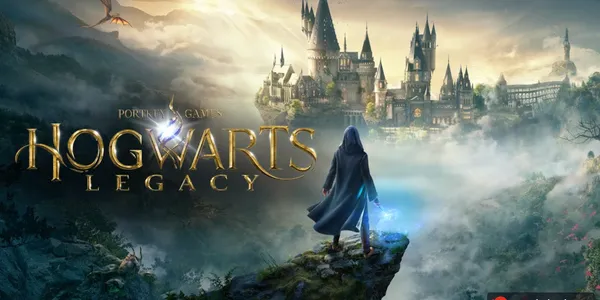
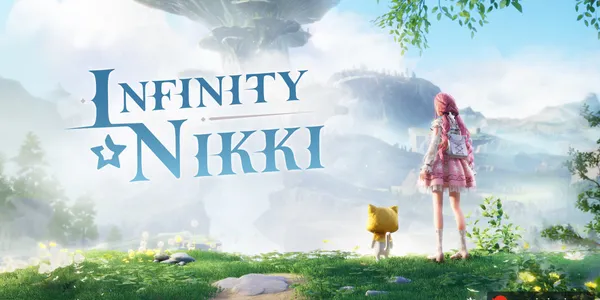
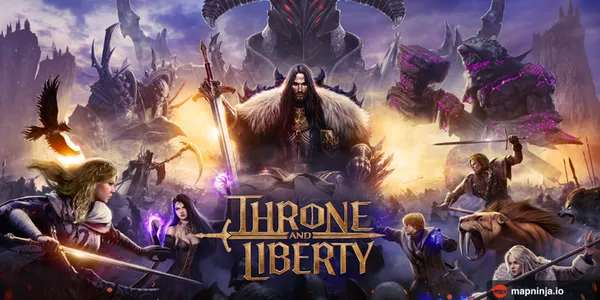
Upcoming game maps
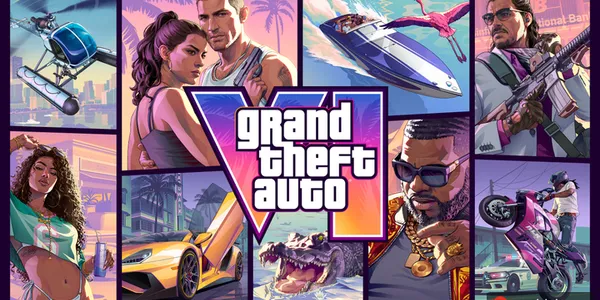
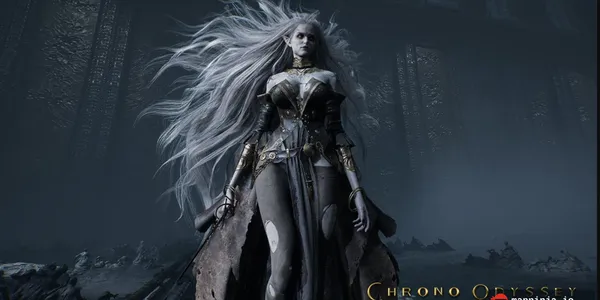
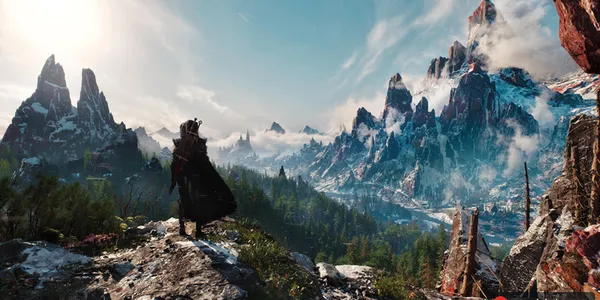
Three steps to 100% completion in any game.
Pick your game
Search our library or browse by genre to open the map you need.
Open the map
Zoom, pan and filter by category to find any collectible in seconds.
Track to 100%
Mark locations as found. Sign in to save your progress across devices.
Built for the way you actually play
Find locations by category and keep track of what you've found. Get what you need and get back to your game.
Free to explore
Search locations, filter categories and mark your discoveries without an account.
Your own checklist
Save found locations in your browser and pick up where you left off.
Fast, clean maps
Zoom, pan and filter the map to focus on the locations you need.
Maps by the MapNinja team
We research locations and organise them into categories so you can find what you need.
Find your kind of world
What is an interactive game map?
Modern open worlds hide thousands of collectibles, secrets, bosses and points of interest across dozens of categories. An interactive game map turns that sprawl into something searchable: a zoomable, pannable view of the world with categorised pins for everything worth finding - so you can jump straight to the shrine, chest or barn find you’re after without a spoiler-filled wiki dive.
MapNinja layers personal progress tracking on top. Mark items as found and watch your completion percentage climb, per category and overall. Your progress is saved in the browser you use to explore the map. Whether you’re a completionist chasing 100%, a trophy hunter clearing a single category, or just stuck on one location right now, the map meets you where you are.
Our team puts care into curating locations and organising them into useful categories. Every map is free to explore. Pick a game above to open its map, or browse by genre to discover your next world.
Questions, answered
Are MapNinja maps free?
Yes. You can explore maps, search for locations, filter categories and mark locations as found for free.
Which games are supported?
Browse the Games page for the current library. Each game page lists its available maps and the locations they cover.
Do I need an account?
No account is needed to explore maps or track found locations in your browser. A free account lets you sync your progress across devices.
Where is my progress saved?
Without an account, found locations stay in your browser. When signed in, your progress syncs to your account. Your dashboard can import your browser progress and export a backup.
How do I find a particular location?
Open a game map and use its search box or category filters. Select a pin to see the details available for that location.
Who curates the maps?
The MapNinja team researches and curates locations, organises them into categories and refines the maps to make exploration easier.
What does Locations pinned count?
It is the total number of location pins across the maps in our live game library. It counts the places and collectibles shown on our maps, not player visits or completed checklists.
Can I use the maps on my phone?
Yes. Open MapNinja in your mobile browser to explore maps, use category filters and track discoveries while you play.
Will the maps reveal spoilers?
Pins and descriptions can reveal bosses, secrets and places you have not reached. Use the category filters to choose what appears on the map.
How can I report a missing or incorrect location?
Use our Contact page to send the game name, map and location details. A map link and a description of the correction help our team review it.
Scout the world before your next playthrough
Find your game, choose a category and start marking the locations you've found.